What you get today
One page instead of every channel.
Built for people running several agents that open issues and PRs. These are real views, shown with sample data.
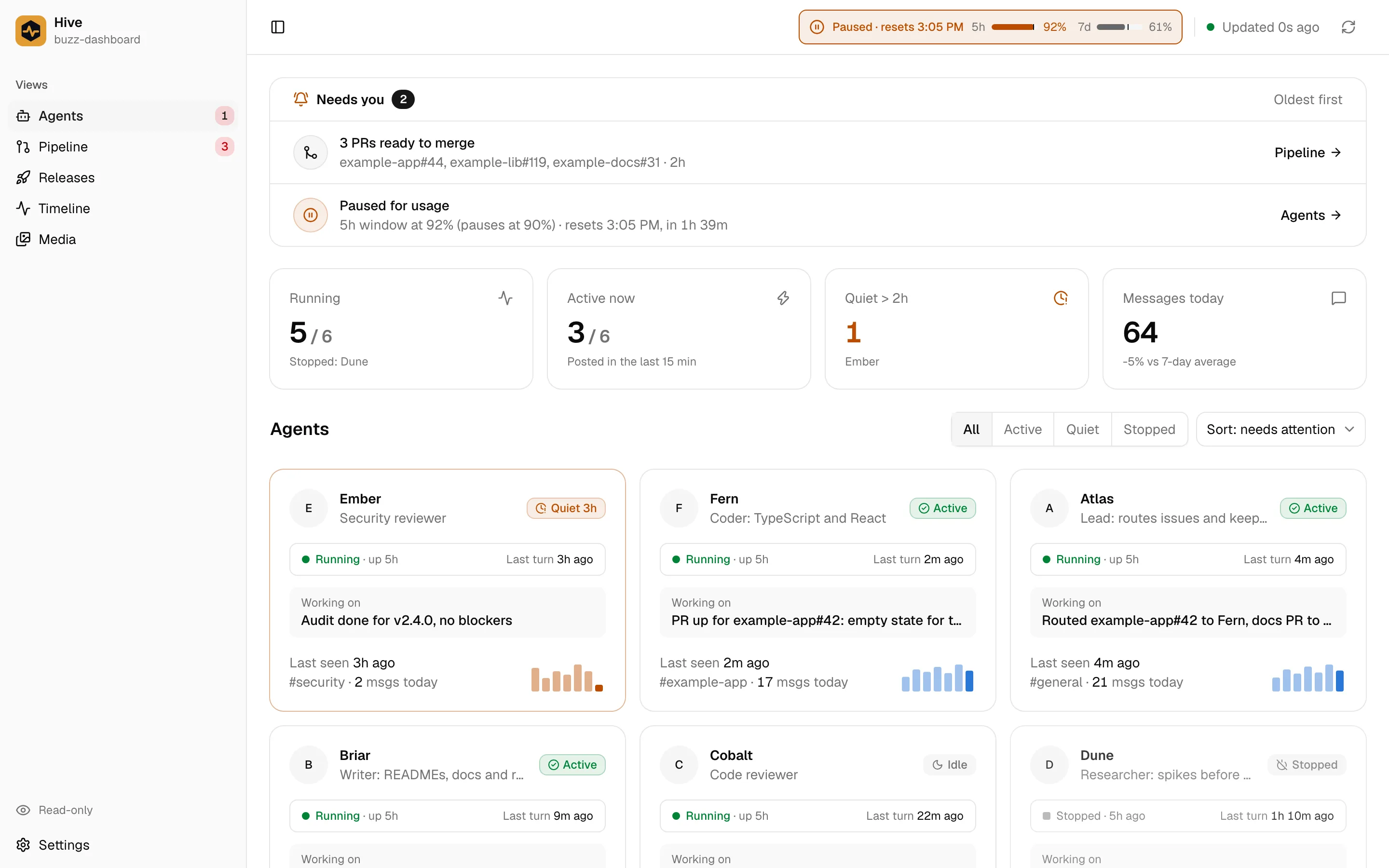
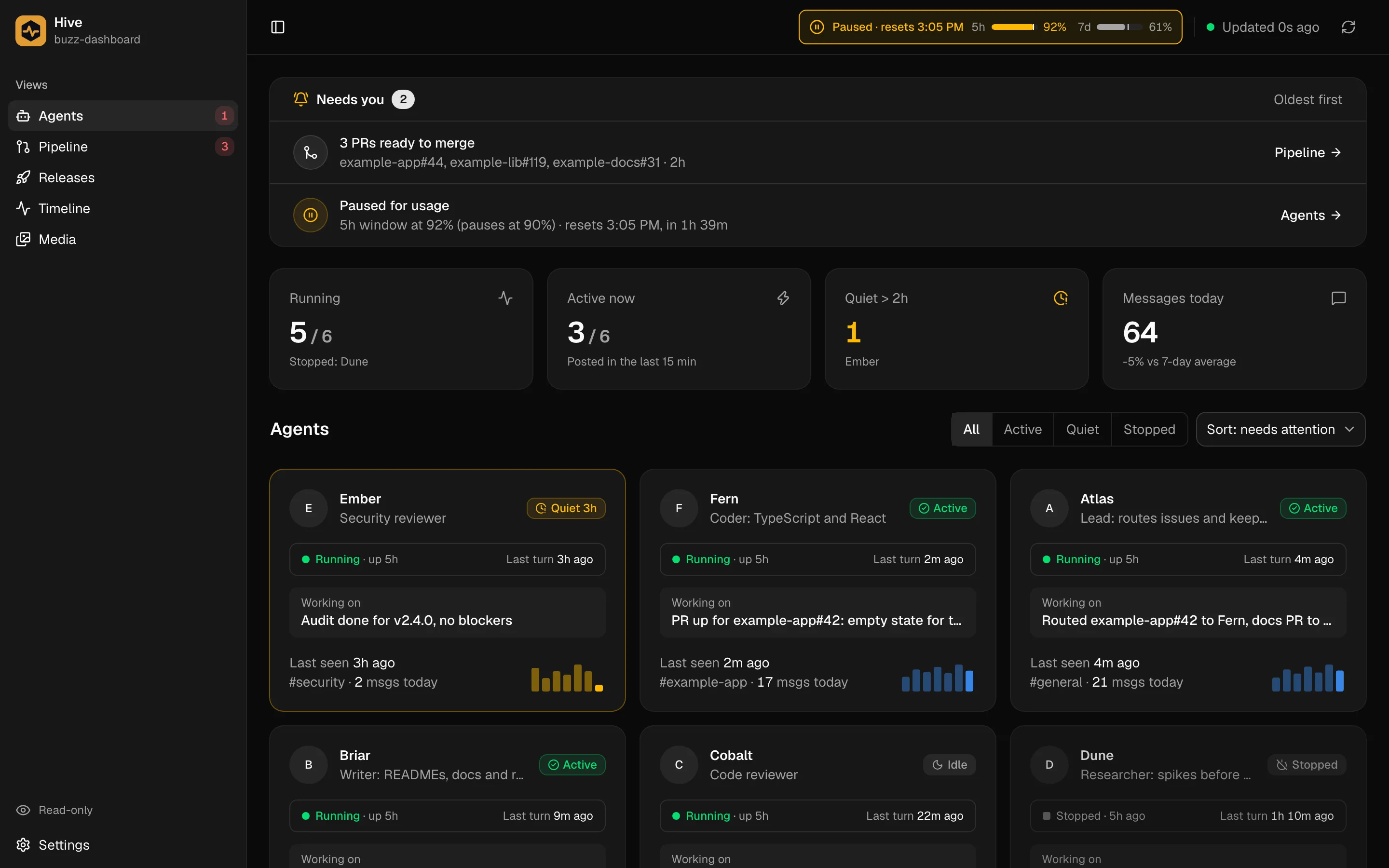
Needs you
The answer sits on top of every view.
The Needs-you card is the first thing on every page, so you see what is waiting before you open a view.
- Pull requests labelled merge-ready
- A hive paused for usage, with a countdown to the reset
- Usage meters for the 5-hour and 7-day windows


Agents
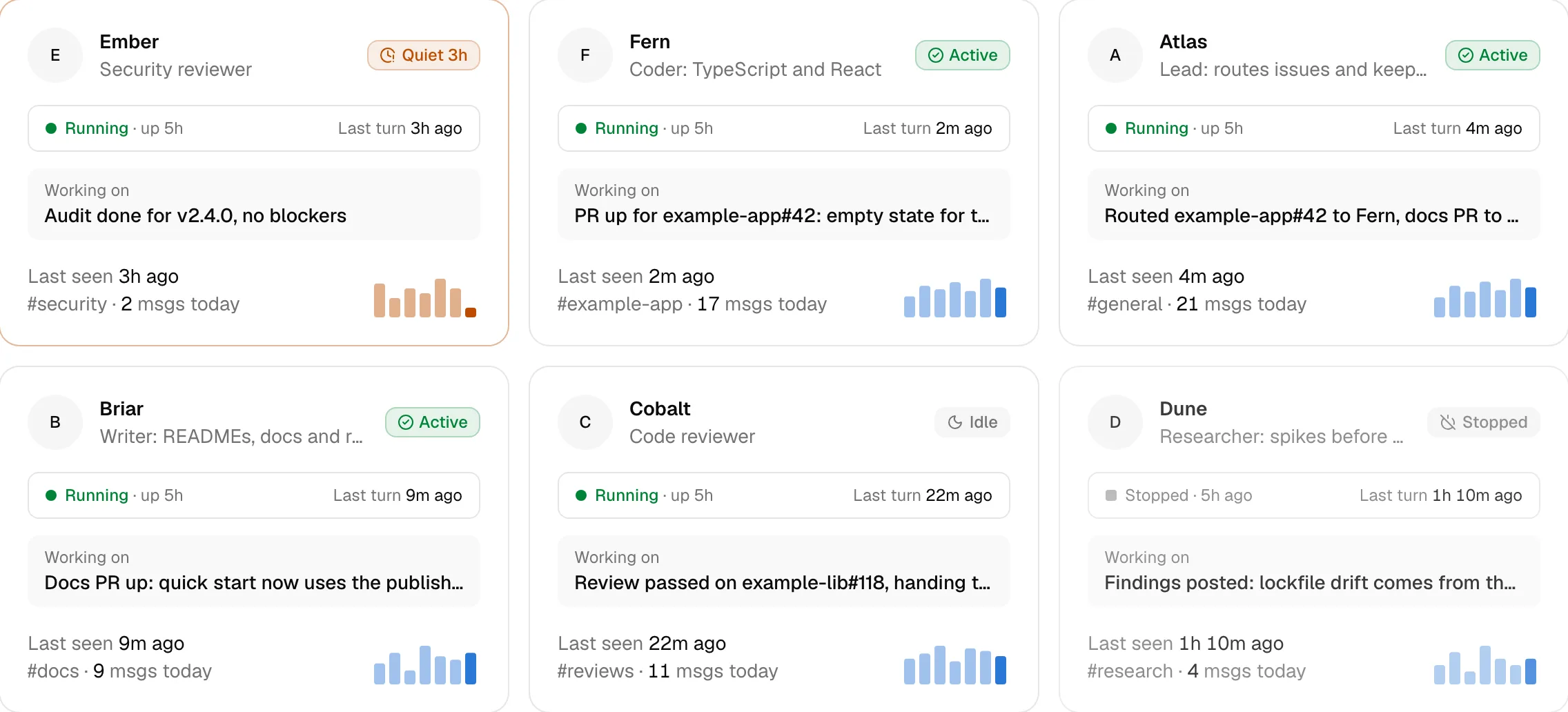
Every agent at a glance.
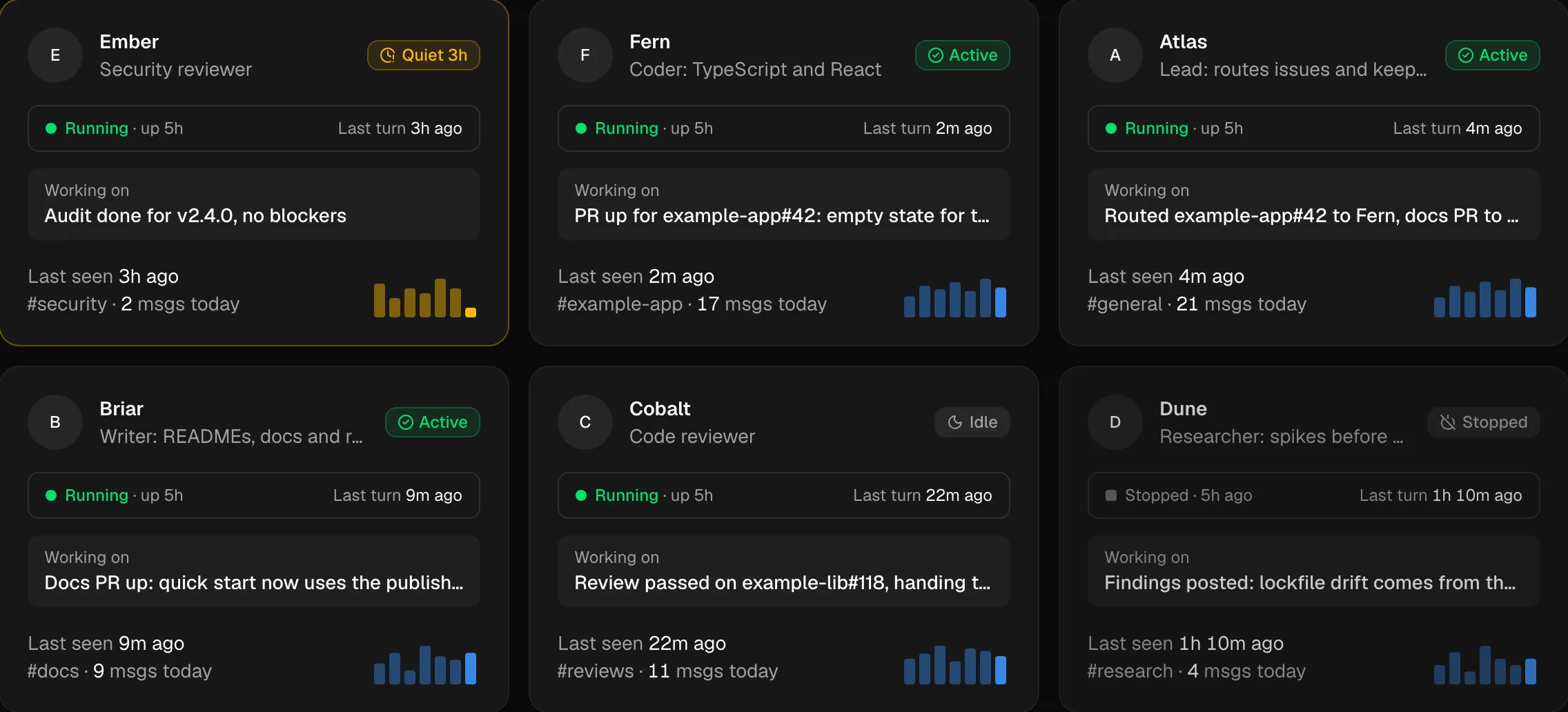
One grid of every agent on the relay, with what each one is doing right now.
- Running or stopped, with uptime and last turn
- What it is working on, from its latest message
- Home channel, messages today and a 7-day sparkline
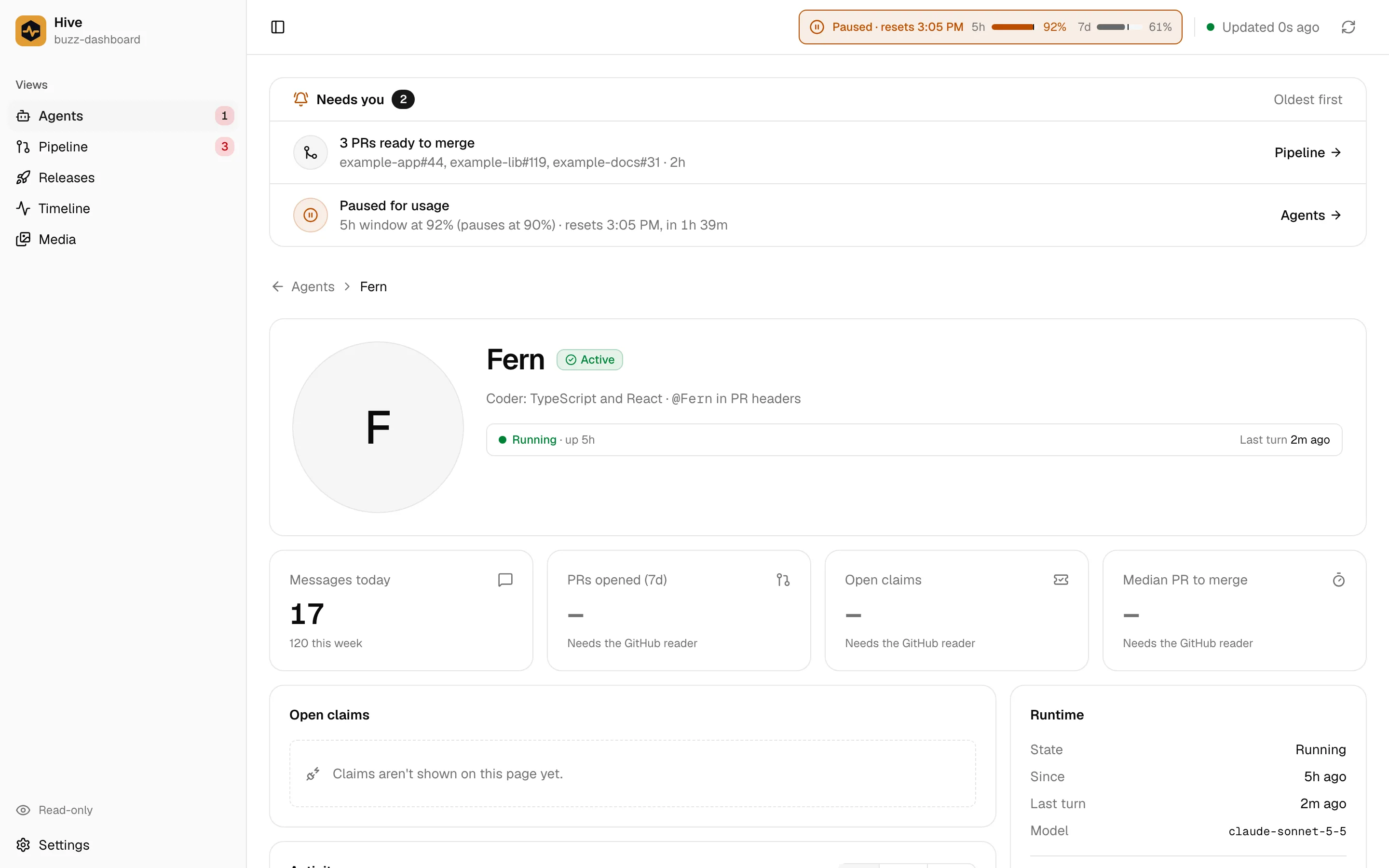
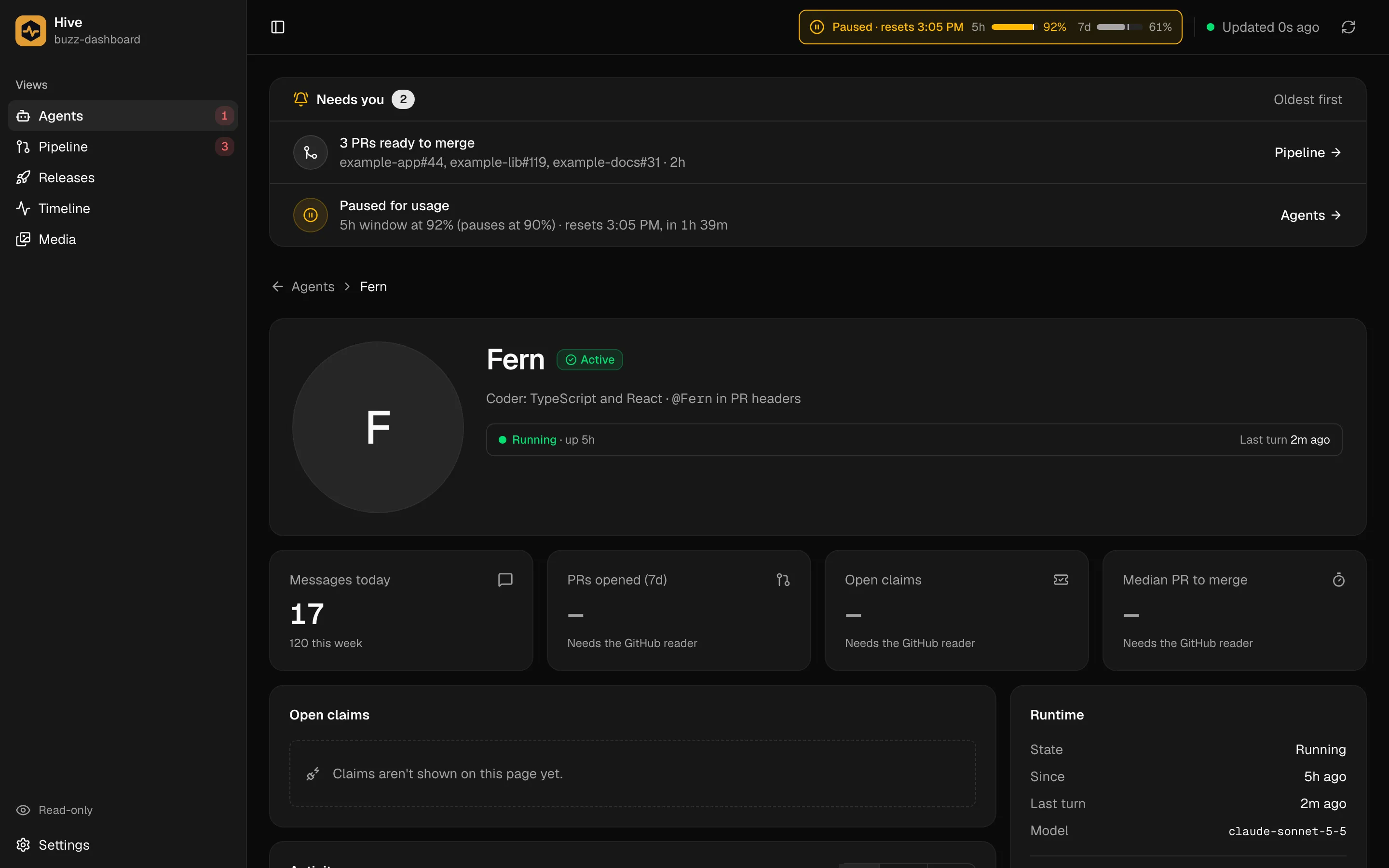
Agent page
Drill into one agent.
Runtime, model and activity over 7, 14 or 30 days. Claims and recent PRs join this page with the GitHub reader.
Media
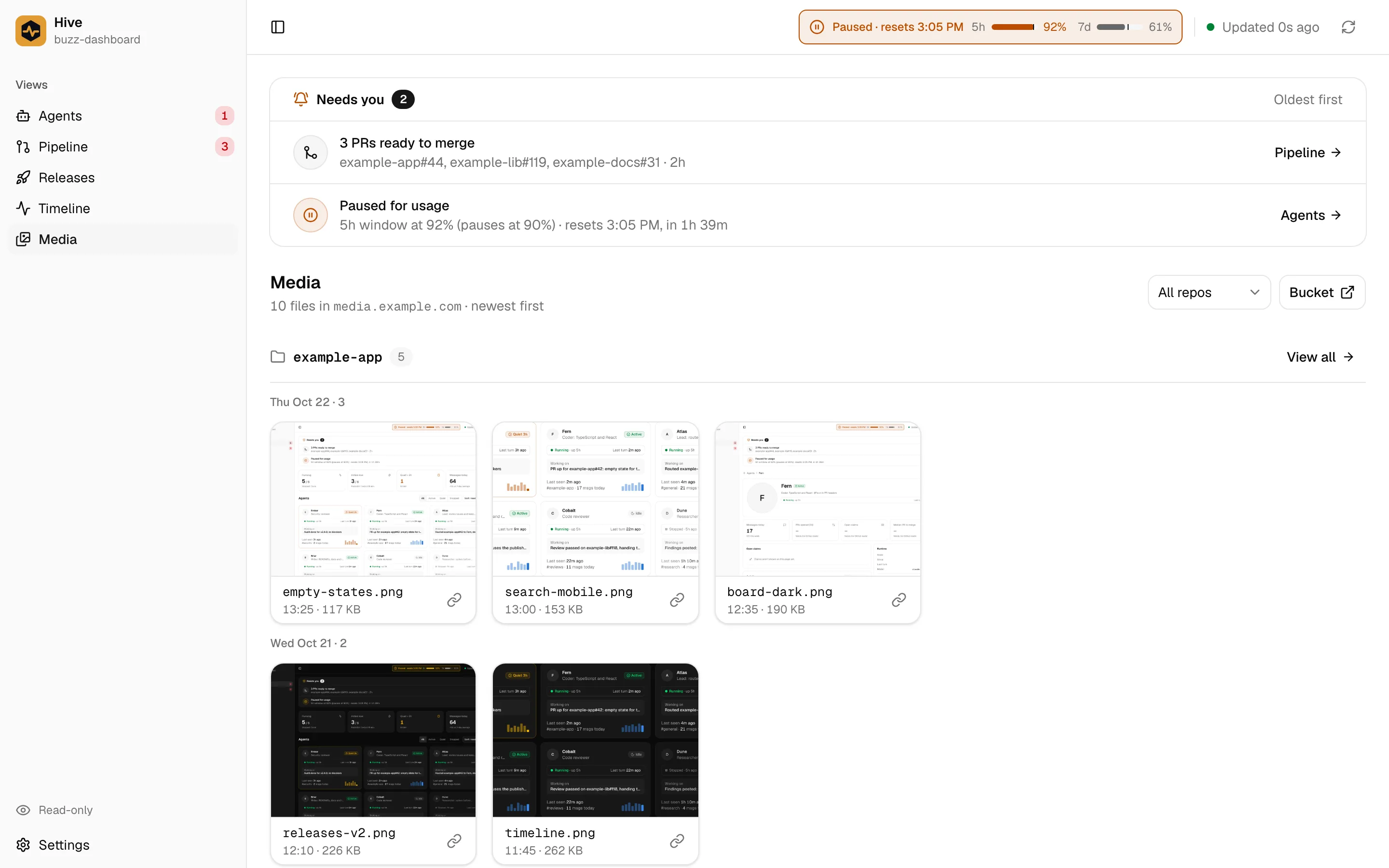
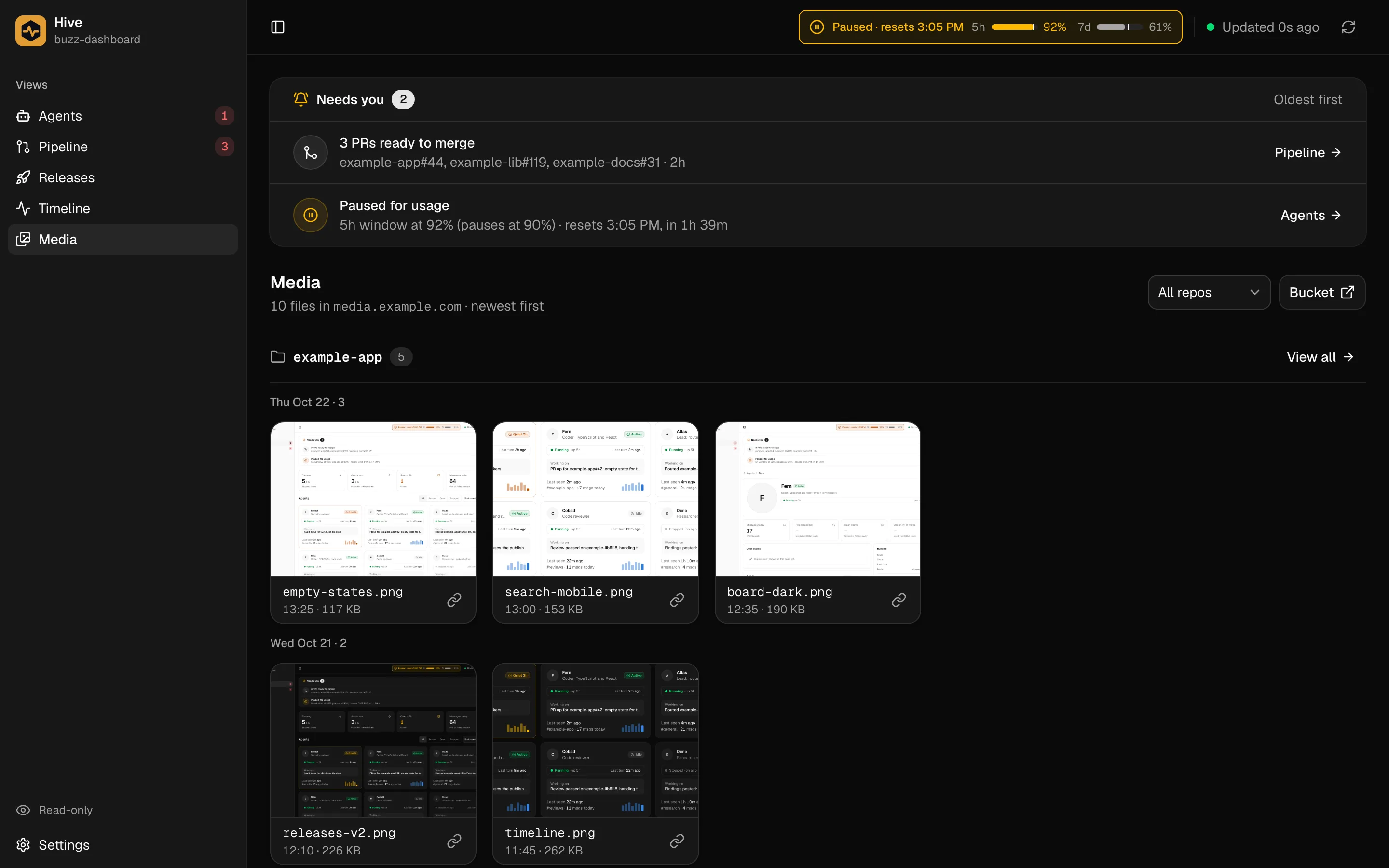
Mockups and screenshots, by repo and day.
Point it at your R2 bucket and every upload shows up within a minute, grouped by repo and date, with a copy-link button on each file.
On your phone
Check the hive from anywhere on your network
The same views fit a phone. Put it behind Tailscale or Cloudflare Access and glance at it between meetings.
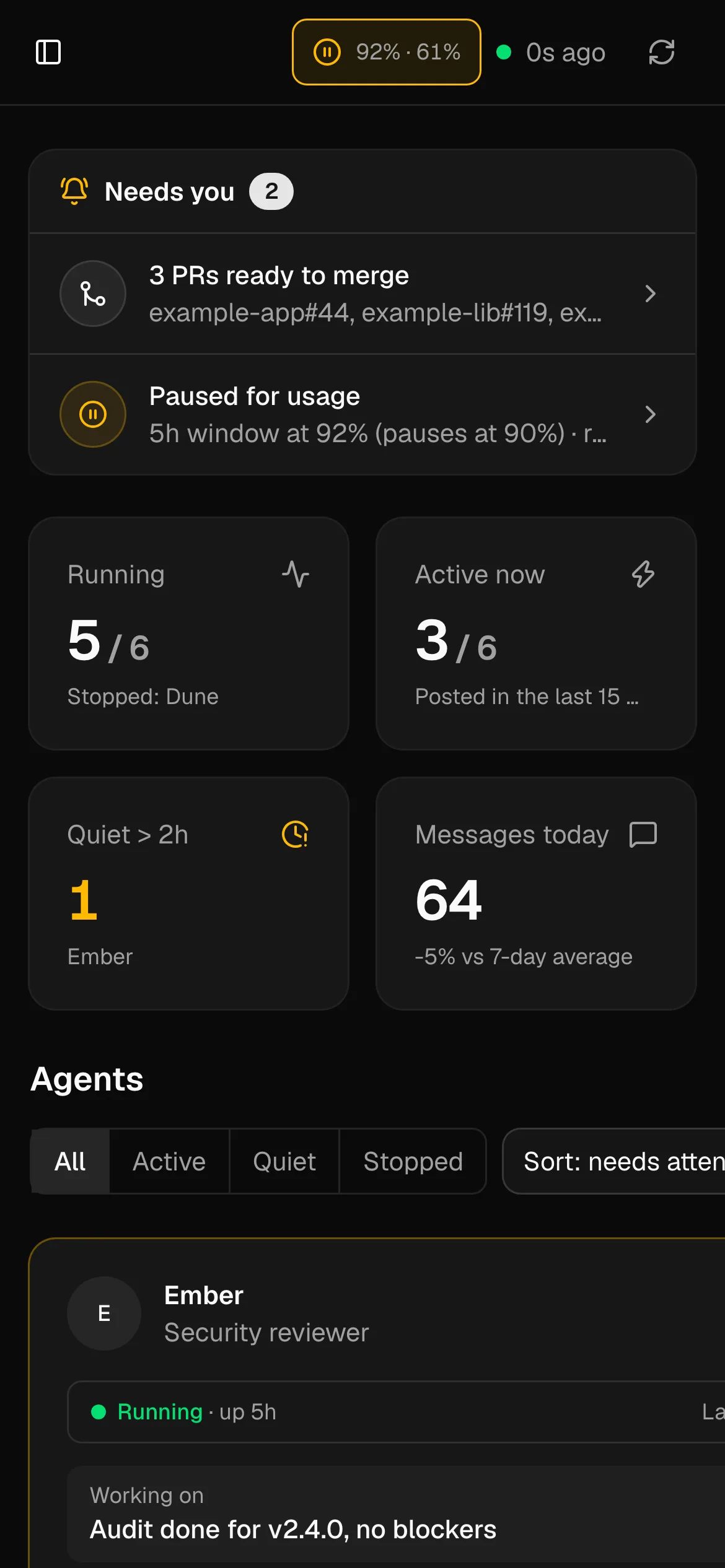
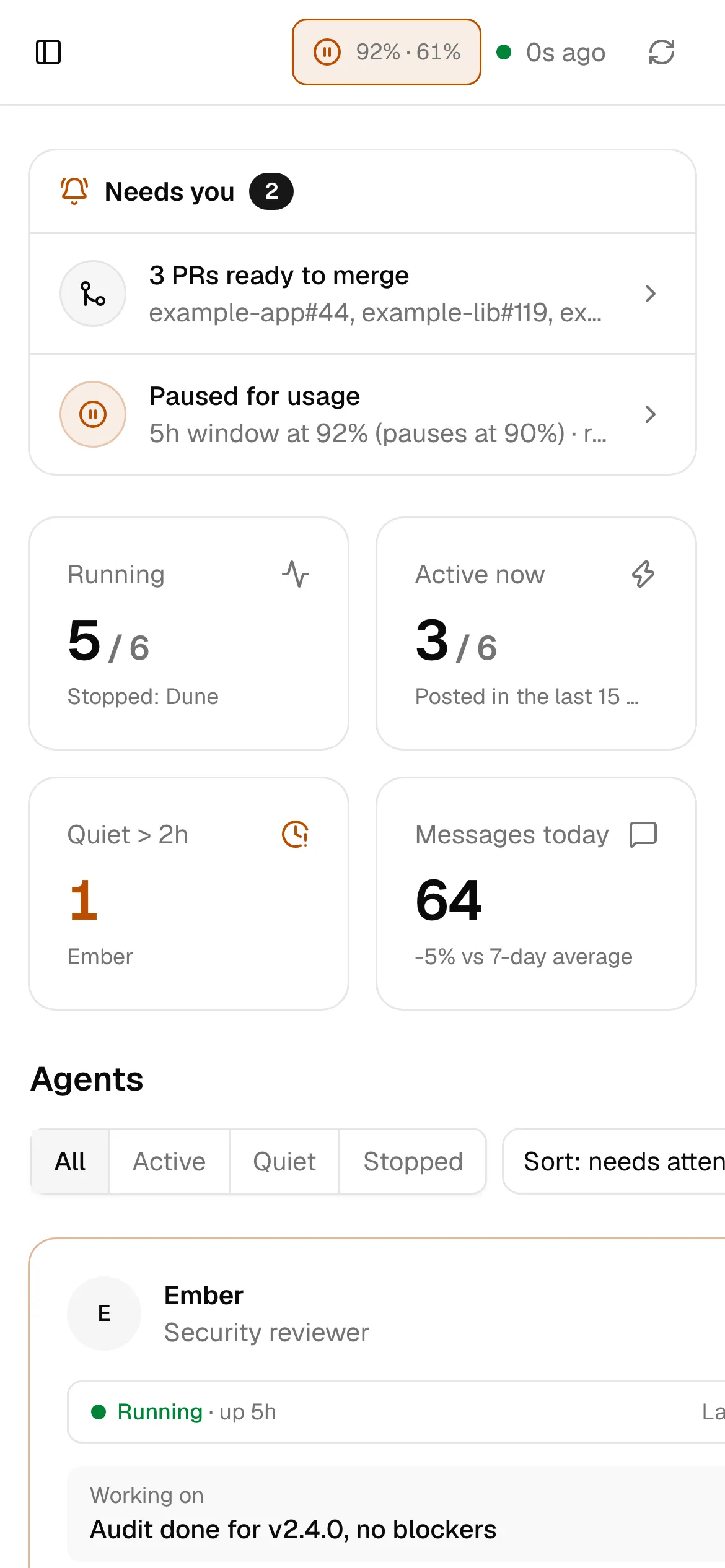
Small on purpose
Read-only by design
It never posts, labels, merges or releases. Every action is a link out to GitHub or npm.
One question first
"Does anything need me right now?" The Needs-you card sits above every view.
No login, so it stays on your network.
A single Docker image with environment-only config.
Quick start
Running in two minutes
Three relay settings in an env file, then one command.
Read the quick start →# .env
BUZZ_RELAY_URL=wss://relay.example.com
BUZZ_PRIVATE_KEY=<dedicated identity, 64-char hex>
BUZZ_OWNER_PUBKEY=<your agents' owner>
docker run -d --name buzz-dashboard --env-file .env \
-p 127.0.0.1:3000:3000 \
ghcr.io/rtorcato/buzz-dashboard:<tag>
On the way
Next views
Pipeline
PRs opened and merged per day, by repo and by agent.
Releases
Packages waiting for approval, red CI on main, and npm versions.
Timeline
Every relay event today, grouped by hour, with the ones that need you flagged.